How it works
Four steps, one photo of an outfit, one photo of you.
- 1
 Recent outfitsPhotosCamera
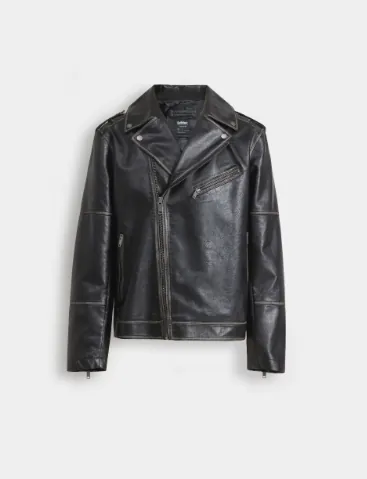
Photograph an outfit
Use the camera, or pick a photo or screenshot of any outfit you like.
A clear shot of the garment, or someone wearing it, works best.
- 2
 Use this photo
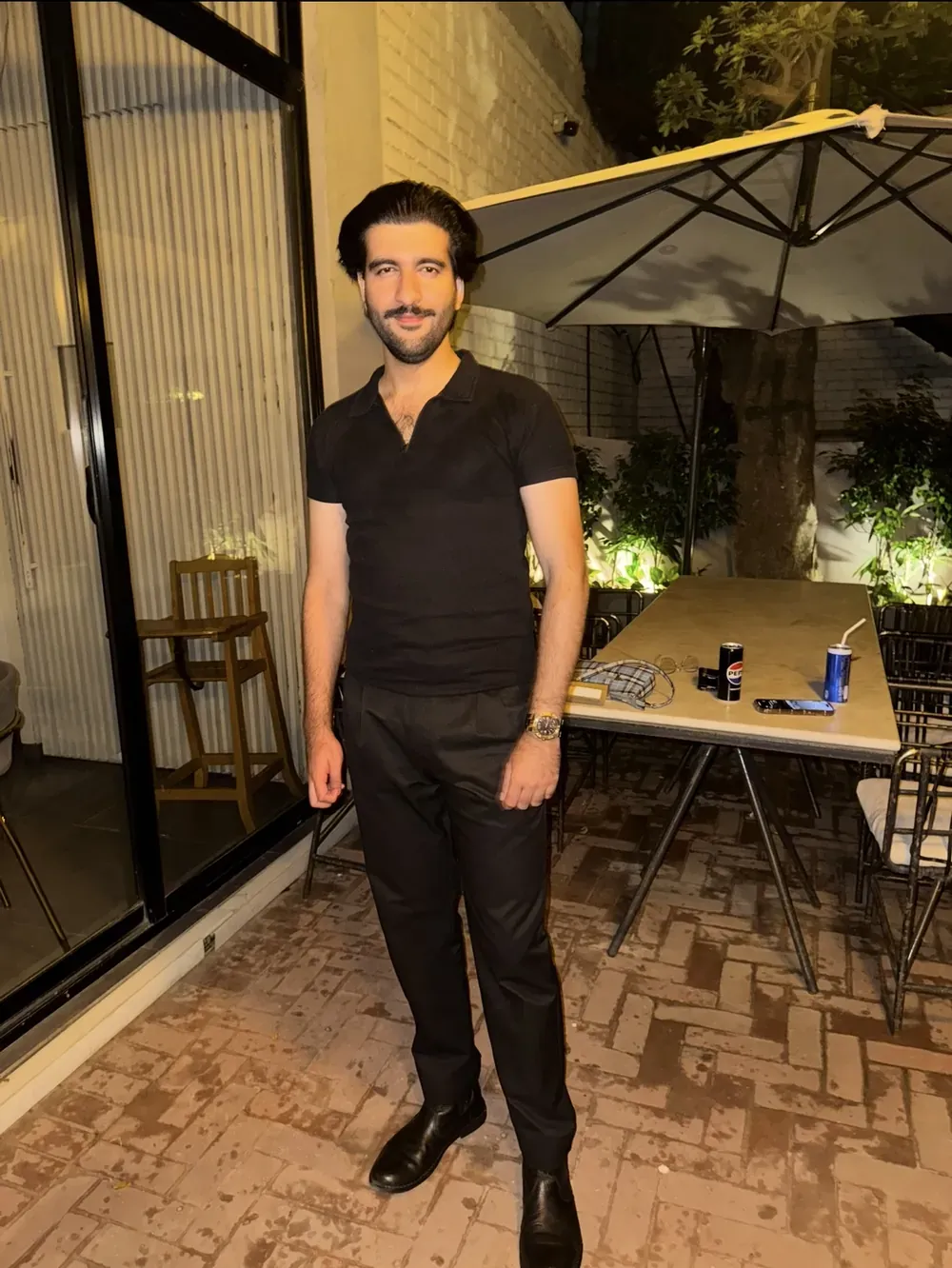
Add a photo of you
A full-length photo of yourself, standing, in good light.
Only add photos of yourself, or of people who have said yes.
- 3Making your look+ Try another meanwhile
We make your look
The app prepares your preview. You can start another one while you wait.
Previews are generated by AI, so no two results are exactly the same.
- 4
 + Try on
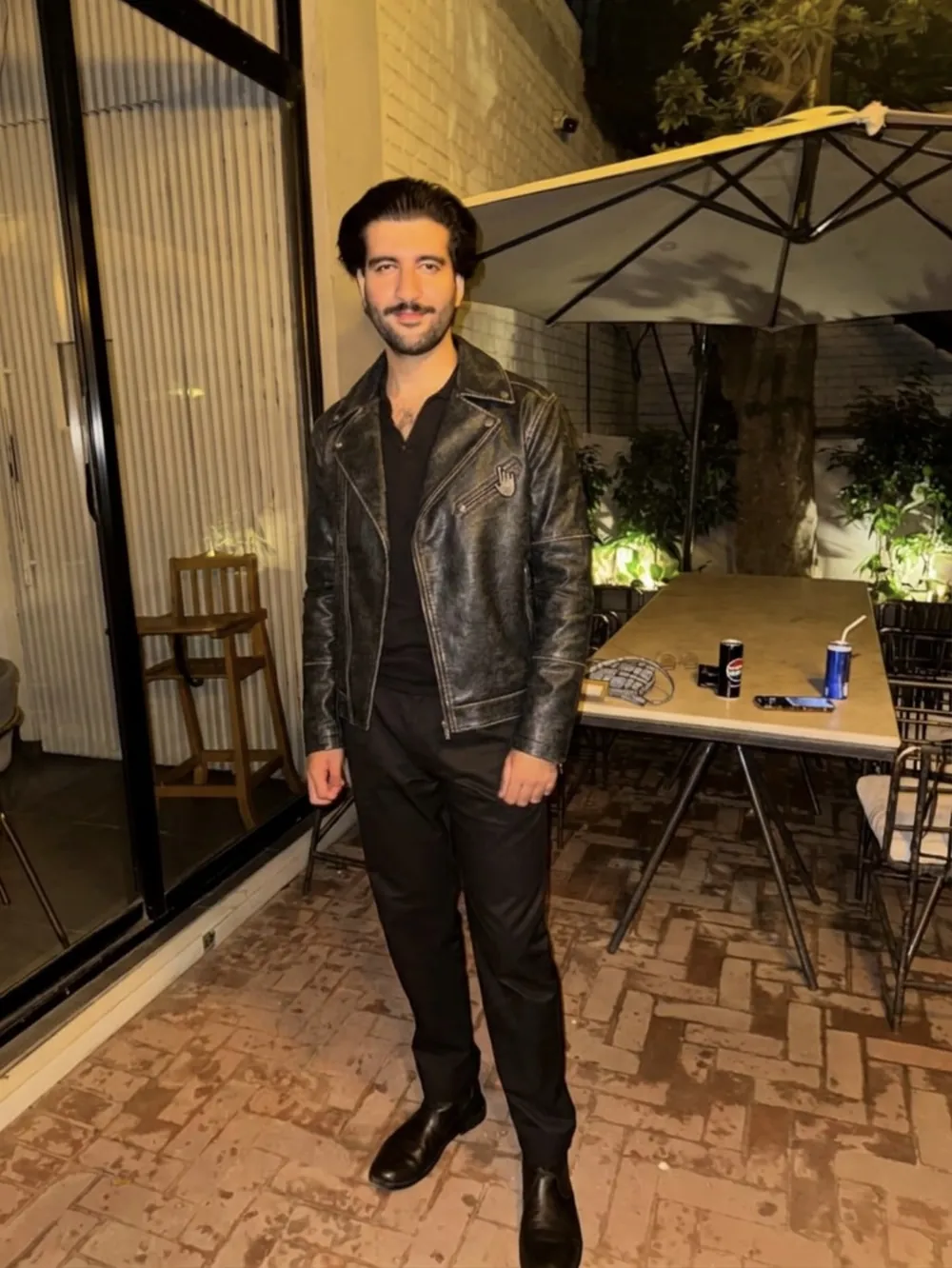
See it on you
Look at the result, then try the next outfit.
Remove any photo from the app whenever you like.
What to expect
The result is an AI-generated picture. It shows how an outfit could look on you. It does not measure you, so it is not a size guide.
Plain, well-lit photos give the best previews. Busy backgrounds, heavy filters and cropped bodies make it harder.
Where your photos go, and how to delete them, is on the privacy and safety page.
Store listings are not live yet. This page updates when they are.