Take a photo of an outfit. See yourself wearing it.
fashionApp makes an AI-generated preview of any outfit on your own photo, before you decide.
From outfit to preview in four steps.
- 1
 Recent outfitsPhotosCamera
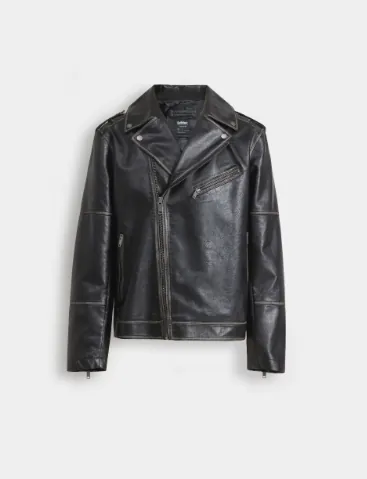
Photograph an outfit
Use the camera, or pick a photo or screenshot of any outfit you like.
- 2
 Use this photo
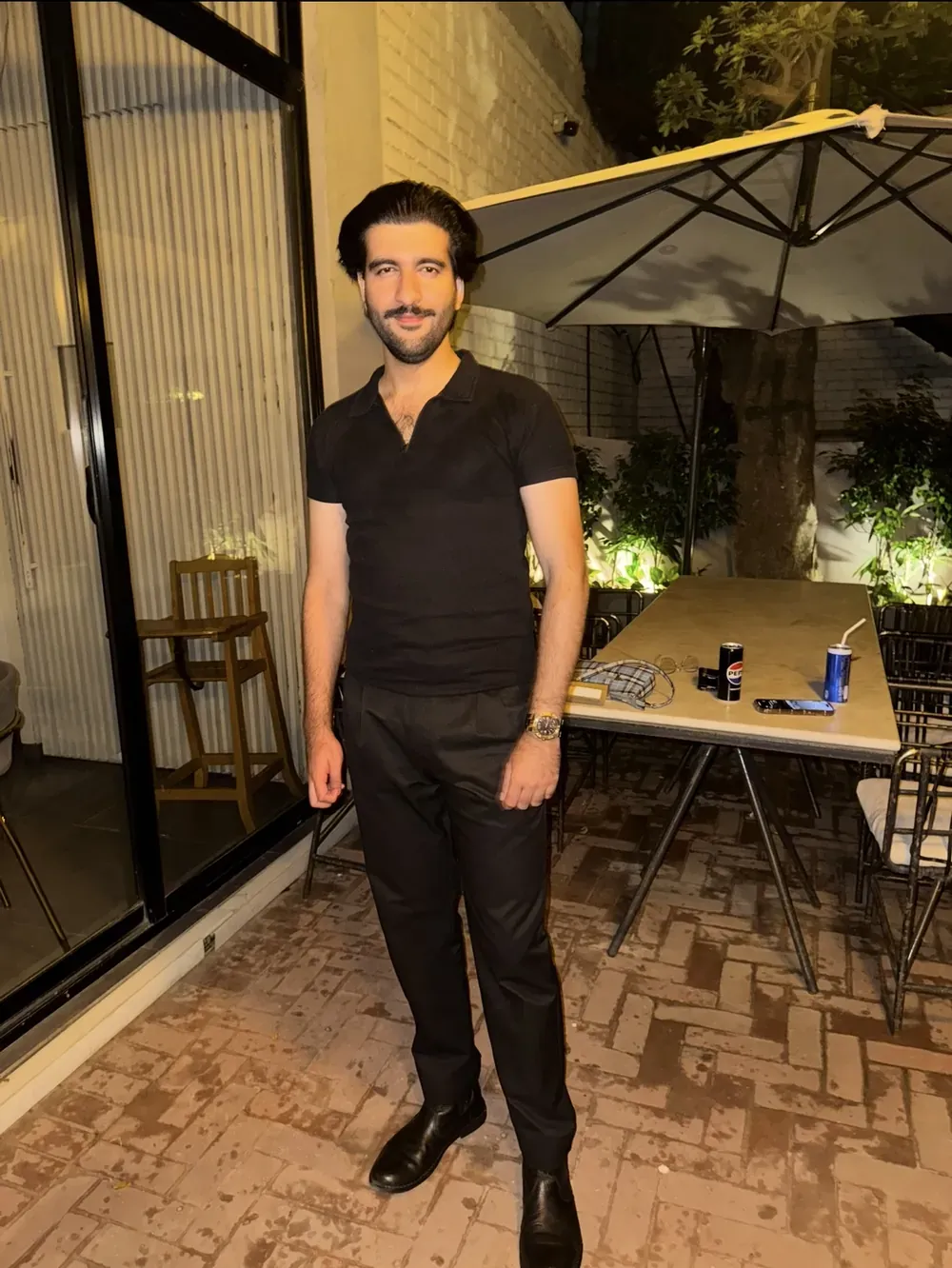
Add a photo of you
A full-length photo of yourself, standing, in good light.
- 3Making your look+ Try another meanwhile
We make your look
The app prepares your preview. You can start another one while you wait.
- 4
 + Try on
See it on you
Look at the result, then try the next outfit.
Your photos are yours. Here is what happens to them.
How a preview is made
Your photo and the outfit photo are processed by Gemini, through Google Vertex AI, to generate the result.
Removed photos are deleted
When you remove a photo, we delete it from our servers within 30 days.
Delete everything yourself
Delete all your data from inside the app, whenever you want.
A preview, not a size guide
Results are AI-generated. They show the look, not how a garment will fit your body.
Your own 3D model. Coming soon.
One full-body photo, then your height and weight. We are building it, and there is no date yet.
Get fashionApp.
Both stores are listed here, Android first. Each button turns into a download link the moment its store listing goes live.
Store listings are not live yet. This page updates when they are.